

- How to clean a TV screen in 6 steps
- How to clean off fingerprints and stubborn marks
- Does it matter what type of TV you have?
- Things to avoid when cleaning a TV screen
Most of the time, you might not notice how dusty and dirty your TV screen is. But the moment the sun comes out and shines into your living room, it’s hard to ignore. Dust, grime, smudges, and even fingerprints can make it almost impossible to enjoy binging your favourite shows.
Luckily, learning how to clean a TV screen is much easier than you think. It doesn’t matter if you have an LED, OLED, LCD, plasma, Samsung, LG, or smart TV; you can deal with this task pretty quickly. Read our guide to learn what to do and what to avoid.
How to clean a TV screen in 6 steps
First up, let’s take a look at some general steps you can take when learning how to clean a TV screen. Here’s what you need to know to get started.
You’ll need:
- Two microfibre cloths
- Distilled water
Step 1: Turn the TV off and let it cool
The first thing you need to do is turn off your TV and let it cool down completely. Don’t just use the remote control. Instead, unplug the TV at the wall so that you’re certain there are no electrical currents running through it. Give it 30 minutes or so to make sure it’s completely cool.
Step 2: Dust with a dry microfibre cloth
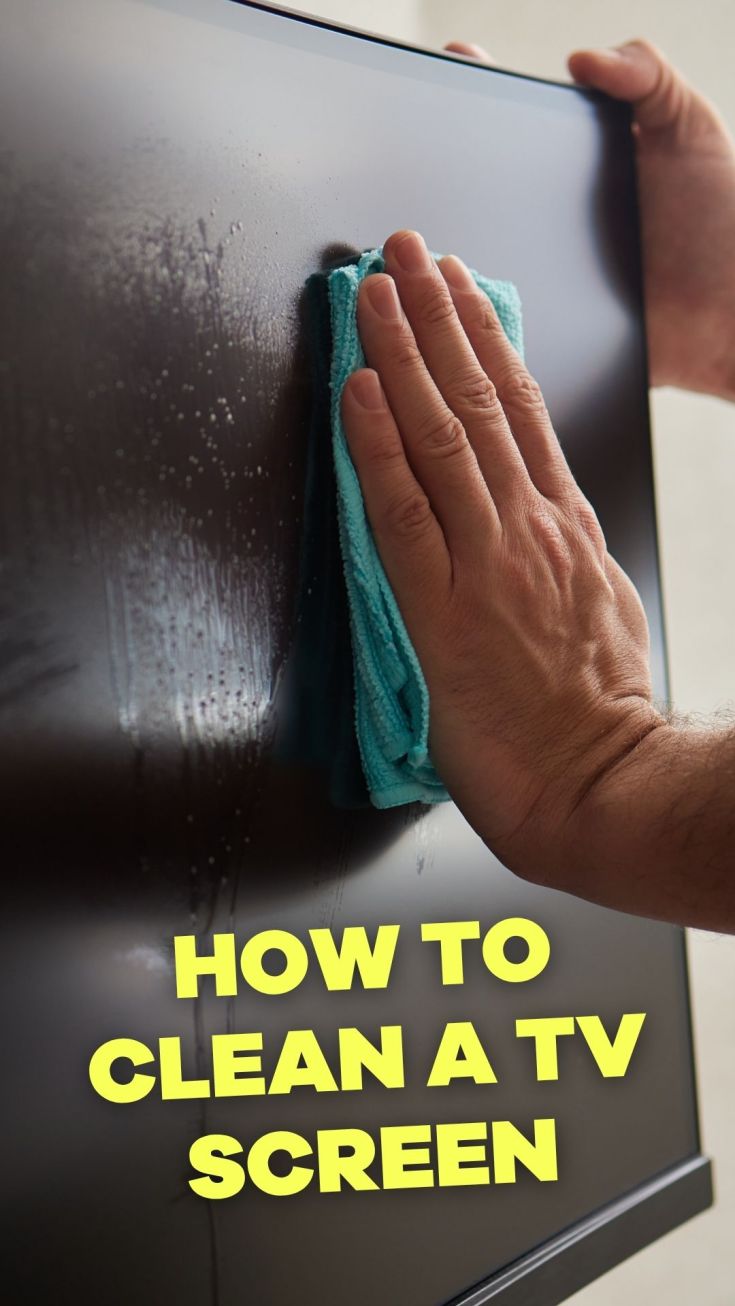
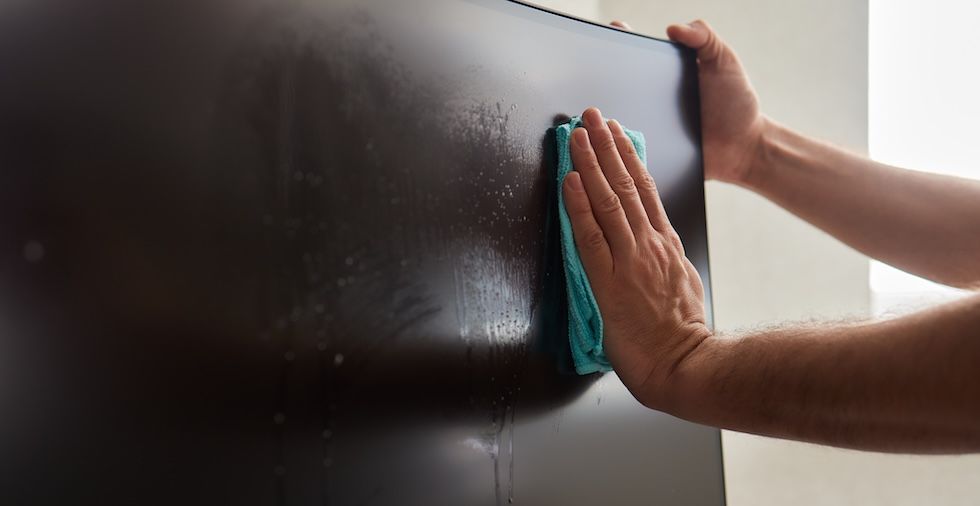
Next up, use a dry microfibre cloth to dust the TV screen. You should use circular motions (rather than up, down, or across) to remove any surface-level marks. You don’t need to apply much pressure. Simply start out with a gentle motion on the screen.
Note: Some manufacturers recommend using vertical movements, rather than circular ones. Always check the instructions in your user guide or on the brand website.
Check out how to dust like a pro and how to reduce dust for more dusting tips!
Step 3: Try a damp cloth (optional)
When you’ve completed step two, check and see how your TV screen looks. If there are still smudges and fingerprints visible, you can try something more hard-going. Dampen a cloth with distilled water. Make sure it’s only slightly damp and not wet.
Important: You should never spray anything directly onto the screen. If liquid gets into your TV set, it’s likely to damage it. It can also be an electrical hazard. Keep it nice and dry.
Step 4: Wipe the TV screen
Gently wipe the TV screen once again. You can use the same circular motions, but don’t press too hard. Focus on the spaces with marks and give them a little extra attention.
If you want to know how to clean a curved TV screen, the process is largely the same. However, you will want to take more care when dealing with the edges of the screen.
Step 5: Buff the screen
When you’ve done that, the next step is to use a second microfibre cloth to buff the screen as thoroughly as possible. That doesn't mean that you have to press super hard. Instead, you should use a repetitive movement to make the TV screen as clean as possible.
Step 6: Clean the rest of the TV
Once you’re happy with how the TV screen looks, you might want to address the rest of the TV setup. You can use a slightly damp cloth to clean the bezel (i.e. the material around your screen, if there is any) and the stand itself. Make sure your TV is 100% dry before turning it back on.
How to clean off fingerprints and stubborn marks
But what should you do about those stubborn marks? If you’ve followed the steps above and some smudges still won’t shift, you may need a different approach. Fingerprints can be particularly difficult to remove, since they are oily and can leave a residue on the screen.
For these smudges, you’ll need to either use distilled water or an all-purpose screen cleaner. Dampen the microfibre cloth with either of these, and make sure it’s not too wet. Next, wipe the places where the marks are, applying more pressure than before. Use a circular motion.
TOP TIP: Avoid using your nails or anything sharp to try and “scratch” off the marks. That is the fastest way to damage your TV screen.
Does it matter what type of TV you have?
Not all TVs are the same. The way you clean your TV screen may well depend on the type of screen you have. You can use the general tips we’ve covered above to clean most screens. However, there are some small caveats, which we’ll cover below:
LED or LCD TV screens
LED or LCD TVs are among the most common in the UK, with smart versions being the most popular. These often have anti-reflective coating, which can be damaged by alcohol and ammonia. For that reason, you should never use cleaning products that contain these ingredients to clean these screens.
OLED screens
OLED screens are actually more delicate than LED or LCD TVs. When you’re cleaning this type of screen, make sure you use only a damp cloth and apply very light pressure. Use distilled water if you need some moisture, but never use cleaning products.
Plasma TV screens
Generally speaking, plasma TV screens are more robust than other screens. They have a glass front which is relatively sturdy. You can apply slightly more pressure to these types of screens. However, you still want to avoid using abrasive products or cloths.
Samsung TV screens
If in doubt, always check the manufacturer’s guidelines. Samsung, for example, explicitly advises against using any glass cleaner or other commercial products. Follow the brand’s advice exactly.
Older or CRT-style screens
If you have an older TV or a CRT-style screen (yes, the ones from the 1990s), chances are the glass will be more durable. You should use the same process we’ve covered for cleaning a TV screen. When dealing with smudges, you can use mild soapy water, but don’t get the screen wet, or it can damage the device.
Things to avoid when cleaning a TV screen
By this point, you know the main ways to clean your TV screen. However, there are some prime mistakes that you want to avoid, including:
Wetting the screen
Spraying anything directly onto the screen is a huge mistake. Moisture can get into the device, which can damage the TV's internal components.
Using standard products
Choosing to use standard commercial products can be dangerous, especially if they contain ammonia or alcohol. It’s smart to avoid these altogether.
Failing to turn the TV off
Turning off and unplugging the TV is a must when cleaning it. This is always the first step you’ll need to take when cleaning your screen.
Knowing how to clean your TV screen is a real skill, and something you should learn. In this guide, we’ve covered the basics, as well as what you should absolutely avoid. Follow our advice to quickly get that screen looking as good as new again. Once you've done that, you can sit back, relax, and press ‘play’ on that series.
Need more help? We've got a guide for cleaning electronic devices, so you can get everything clean!
Q&A
Did we miss something along the way? Check out our frequently asked questions (FAQs) below:
How often should you clean your TV screen?
You can dust your TV screen weekly to keep it nice and clean. However, for deeper cleans, you can do them every few months.
Can I use wet wipes to clean my TV screen?
No, you shouldn’t use wet wipes to clean your TV screen. These often contain alcohol or other chemicals, which could damage the screen's coating. Instead, you should simply use a microfibre cloth and some distilled water, at most.
Can I use glass cleaner on my TV screen?
No, you should avoid using glass cleaner on your TV screen, even if it’s a plasma screen. Glass cleaner can, once again, contain chemicals that will damage your screen.
What's the best homemade TV screen cleaner?
The best homemade TV screen cleaner is simply distilled water. You can dampen a microfibre cloth with it and clean the screen with ease.
How do I clean a TV screen without streaks?
When you’re cleaning your TV, use a circular motion to buff out any streaks that might form. Wiping up and down (or left to right) can result in streaks that stick.
Is it safe to clean an LG OLED screen at home?
The short answer is yes. However, you should take extra care with this type of TV screen. Be gentle when cleaning an LG OLED screen, and use a microfibre cloth.
Got a cleaning tip to share? Let us know in the comments below!

Leave a Reply